

Join meetings as a guest without a Google account on mobile devices
 Meet
MeetWhat’s changing
You can now quickly join a meeting as a guest without signing into a personal or work Google account or creating a new Google account. This functionality already exists for meetings on the web and, by expanding to mobile, guests now have greater flexibility for joining Meet meetings on the go.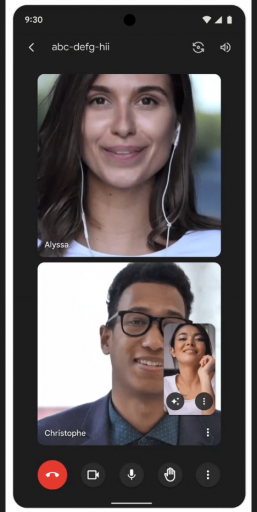
To join as a guest, you need to be on the Calendar invite for the meeting or have been provided the meeting code or the meeting link beforehand. Before you join the meeting, you’ll be prompted to enter your name and “knock” (aka ask to join the meeting) to be admitted. Once a meeting host or co-host accepts your knock, you’ll jump right into the meeting.
Getting started
- Admins: Allowing meeting guests can be turned on or off at the domain level. Visit the Help Center to learn more about managing Meet settings.
End users:
- Meeting hosts: You can also set your Meeting access type as “Open”, meaning anyone with a meeting link can join your meetings — no one has to knock.
- Guests: Visit the Help Center to learn more about joining a video meeting without a Google account.
Rollout pace
- iOS: Available now.
- Android: Gradual rollout (up to 15 days for feature visibility) starting on January 17, 2024
Availability
- Available to all Google Workspace customers, Google Workspace Individual subscribers, and users with personal Google accounts.

